
Features
It does a lot. You do the lifting.
Kronos reads the workout you bring, writes the one you need, runs your week, holds the clock and remembers your numbers. The only job left is showing up.
Checked before you see it
Built to a personal trainer’s standard.
Every session Kronos writes is checked before it reaches you, and most are ready in about five seconds.
Plan
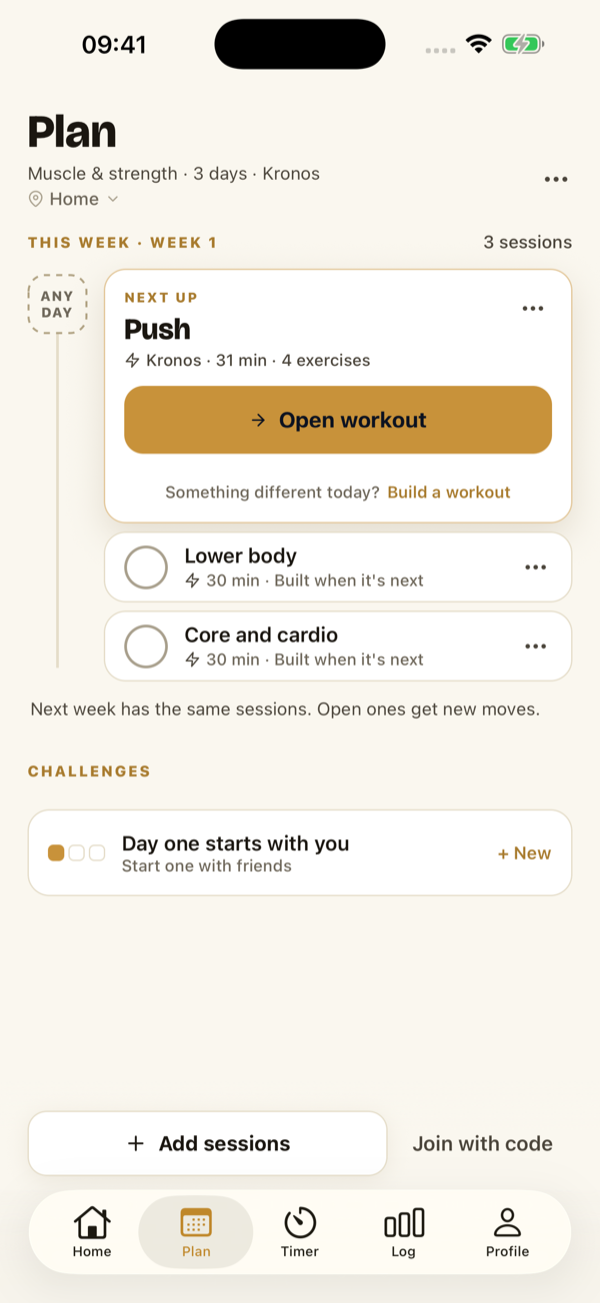
Your training, in your week
Build a plan from your goal, your days and your kit, or import one you already have. Every session sits in one week you can see, steer and edit.
- See the week before it’s built
- Answer a few questions and Kronos shows you the week first: the days and the focus of each. Change it, then build.
- Steer it in your own words
- Knee-friendly, more core. Set a focus for a day or a note for the week, and the sessions Kronos writes follow it.
- Missed a day? Nothing to catch up on.
- A missed session drops off. Nothing is owed and there is no behind.
- Next week is ready when you are
- The week rolls over on its own, so the next one is waiting without a tap.
- Your timers, in your week
- Put a saved timer on a day and it runs free from Plan, just as it does in the Timer tab.
Import
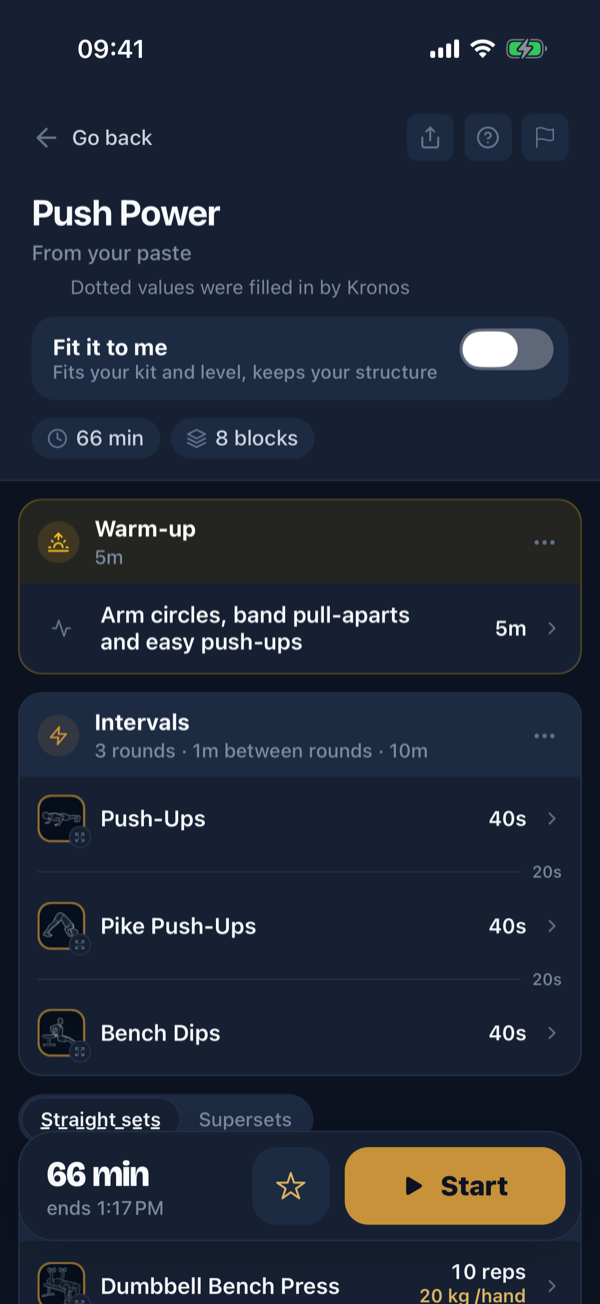
Bring the workout you already have
Paste it from your AI, a coach or your notes, take a photo, or upload a PDF plan. Kronos reads it into a real session and shows you exactly what it filled in.
- What you wrote stays
- Your moves, sets and loads come through as written. Values Kronos filled in are dotted, so you can check them.
- It asks before it guesses
- Kilos or pounds, what a percentage is of, a move it can’t match: anything that changes how the session runs is asked before you start.
- Fit it to me
- One switch adapts the moves to your kit and level and keeps your structure. Leave it off and the workout runs as written.
- Plans run as written
- A multi-week plan keeps its own progression, week by week. Kronos changes it only when you ask.
- Free to import, Pro to run
- Reading and checking an import is free, and your first workout runs free. After that, running one is Kronos Pro.

Generate
No two people get the same workout
Every session Kronos writes comes from your equipment, your minutes and your history. Equipment is a hard filter, so it can never ask for a barbell you don’t have.
- A catalog that knows your gear
- Exercises from beginner to elite, each with its own demo image, in a catalog that knows a trap bar from a barbell and a sandbag from a kettlebell.
- It prescribes the weight, not just the reps
- Every working set arrives with a load, chosen from the plates and dumbbells you actually own, in your unit, and it reads the reps you had in reserve back into the next one.
- About 25 preference dials
- 12 focus splits, 4 intensity levels, duration from 5 to 90 minutes, warm-up and cool-down styles, block and rest lengths, and 12 formats you can rate love it, fine, or never.
- It takes your shoulder seriously
- Write "cranky left shoulder" once and the exercises it rules out stop appearing. Moves that take real skill, like muscle-ups, stay hidden until you say you can do them.

Train
A Tabata shouldn’t feel like straight sets
Straight sets, supersets, trisets, complexes, ladders and pyramids, circuits, AMRAP, EMOM, intervals and Tabata, chippers, zone 2, and carries and holds. Each one runs the way it would with a good coach holding the clock.
- Every format gets its own clock
- AMRAP runs one block clock with a tap per round. EMOM shows which minute you’re in. Chippers count up while you tick work off. Ladders promote the reps each rung.
- Three pacing modes
- Auto counts down and moves on, self-paced counts down and waits for your tap, open counts up with no deadline. Switch at any block boundary, mid-session.
- Rest is a real screen
- In-block rest, round breaks and station changes each get their own color and their own screen. The next block previews with thumbnails and what you lifted last time.
- Lock the phone, it keeps counting
- Beeps and a voice call every change, in nine languages, on top of your music. The countdown sits on the lock screen and in the Dynamic Island, with pause and next.
- Nothing derails it
- The clock is anchored to wall time, so backgrounding never desyncs it. Progress checkpoints every 30 seconds. Pause, skip, swap an exercise, edit the reps, or ask for an easier version of the same movement.
The Library
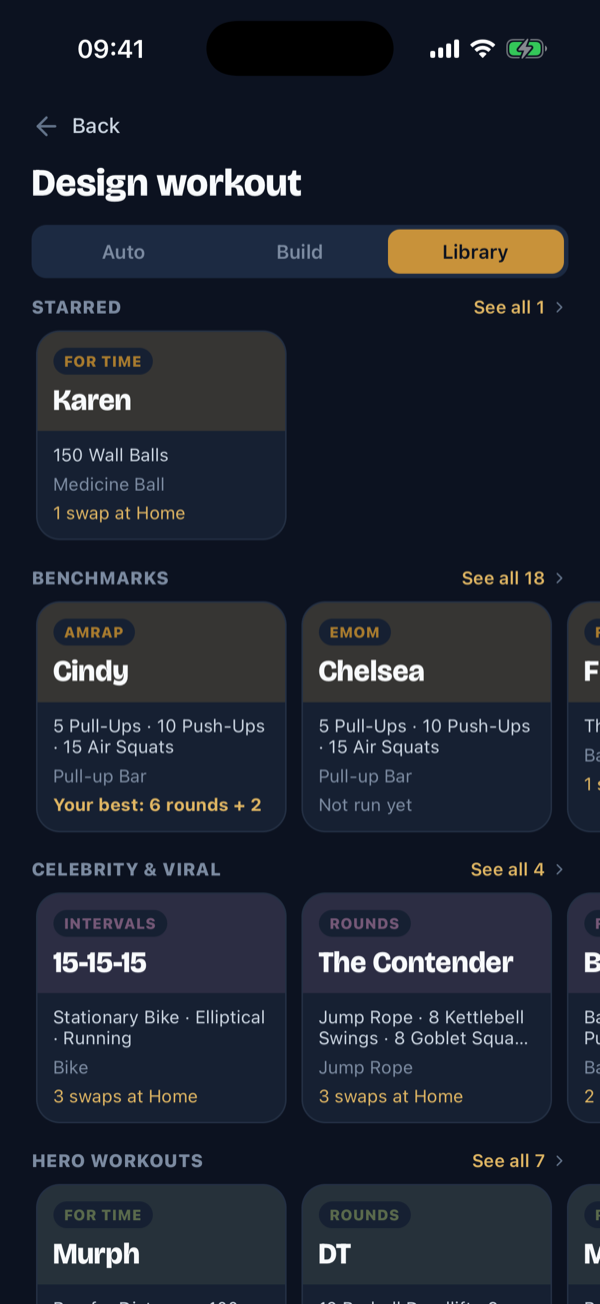
Cindy, Murph, and 42 more
44 named workouts, each with its source cited and its story written for Kronos: the benchmarks, the hero workouts, the tests, the viral ones. Built to be attempted, not just admired.
- Scaled so you can actually start
- Published scalings on most of the shelf, from ring rows for pull-ups to a lighter Rx. A scaled score keeps the workout’s name and is honestly tagged.
- Your best follows you
- Every tile answers the question you actually have: can I do this here, and have I? Swaps needed at your gym, your best score, how many times you’ve run it.
- Variants, not duplicates
- Cindy classic or Cindy on the minute. Chad with the pack or without. Each variant keeps its own personal best.
- Free to browse, Pro to run
- Search it, star it and read every recipe without paying. Running one is Kronos Pro.
On the shelf
All 44, with their receipts
Every recipe cites its source. Every story was written for Kronos. No memorial copy, on purpose: the workouts travel to nine countries.
Benchmarks 18


Hero workouts 7
-
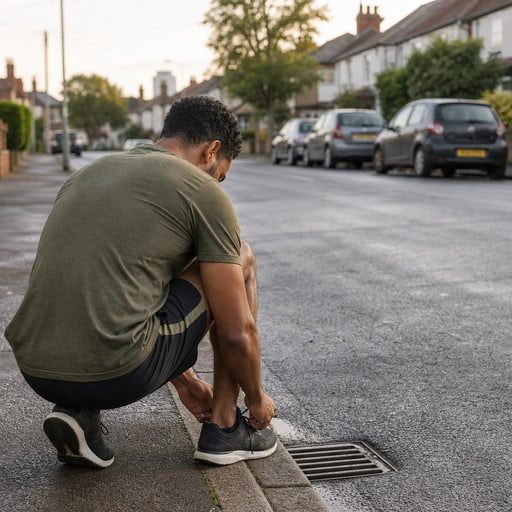
Murph
For time
-
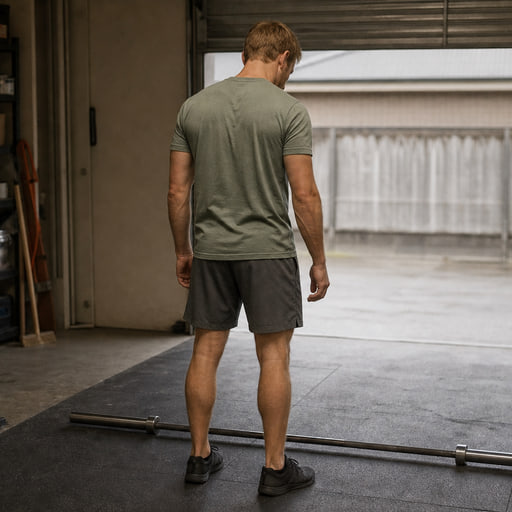
DT
Rounds
-

Michael
Rounds
-
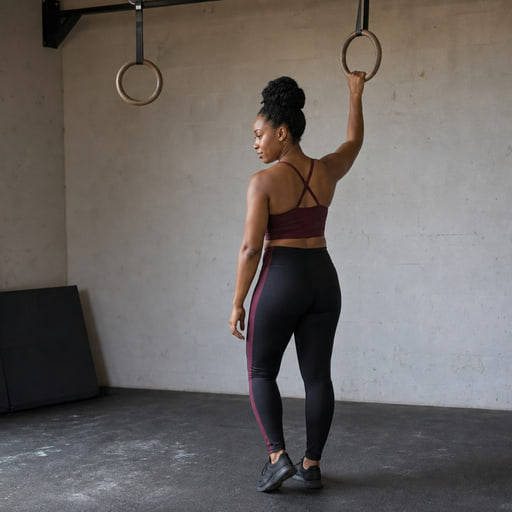
JT
For time
-
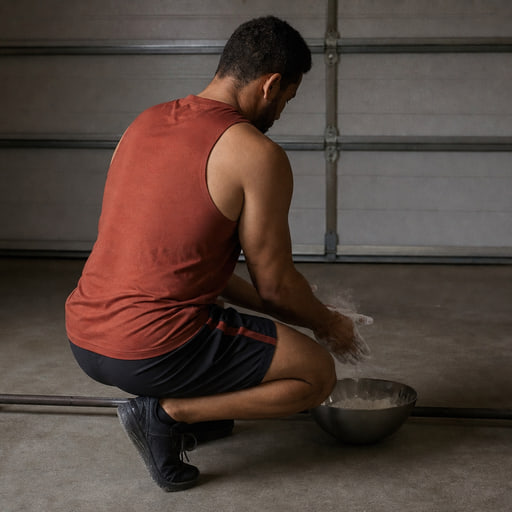
Randy
For time
-
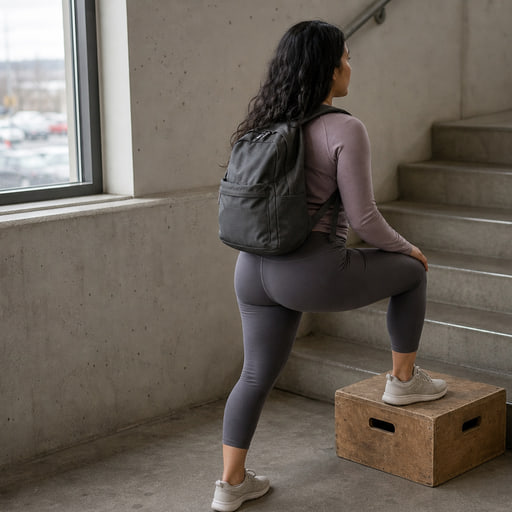
Chad
For time
-
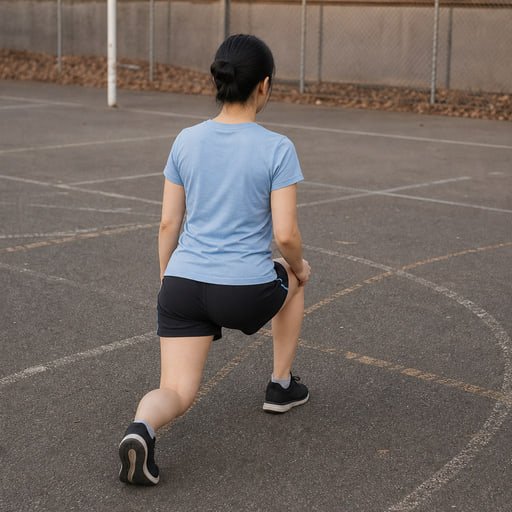
Loredo
Rounds


No equipment 7
-
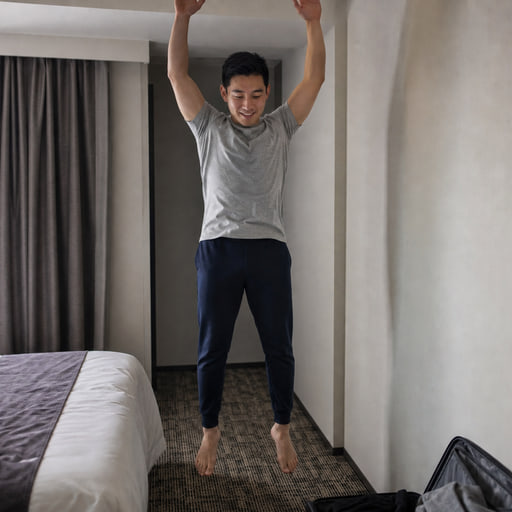
Death by Burpees
EMOM
-
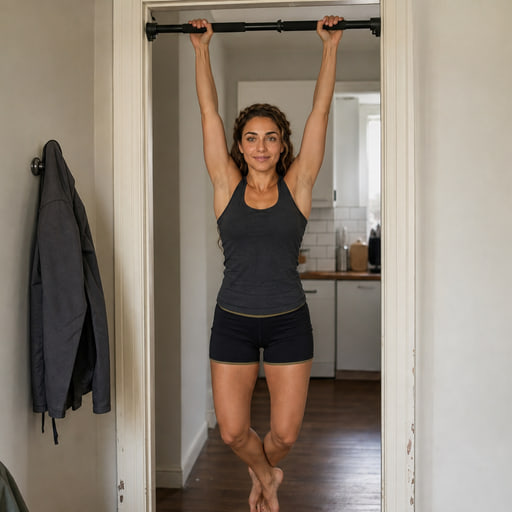
Pyramid
For time
-
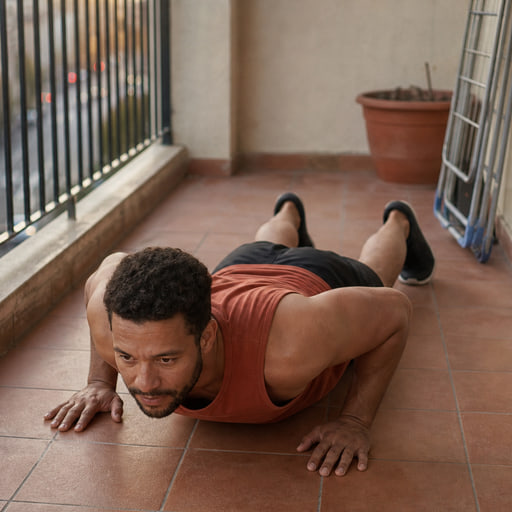
100 Burpees
For time
-
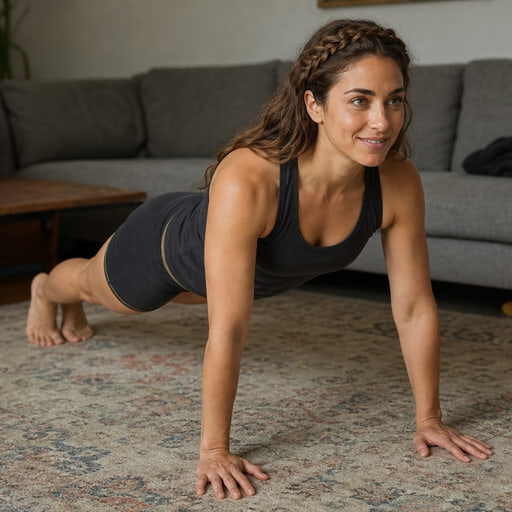
100 Push-Ups
For time
-
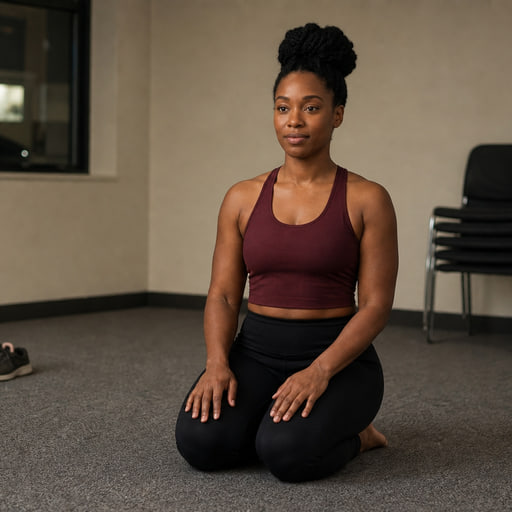
Push-Up Test
AMRAP
-
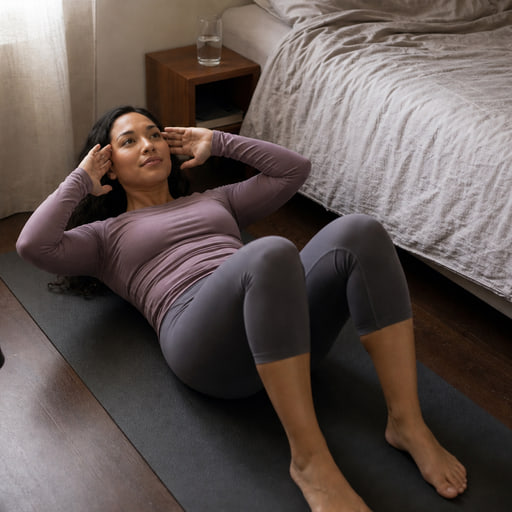
Sit-Up Test
AMRAP
-
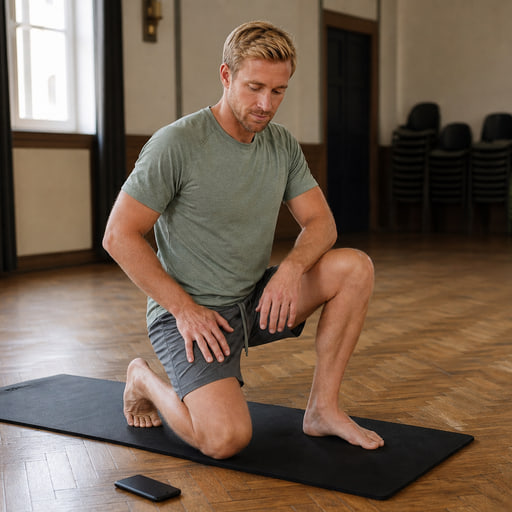
Burpee Test
AMRAP


Intervals 4
-
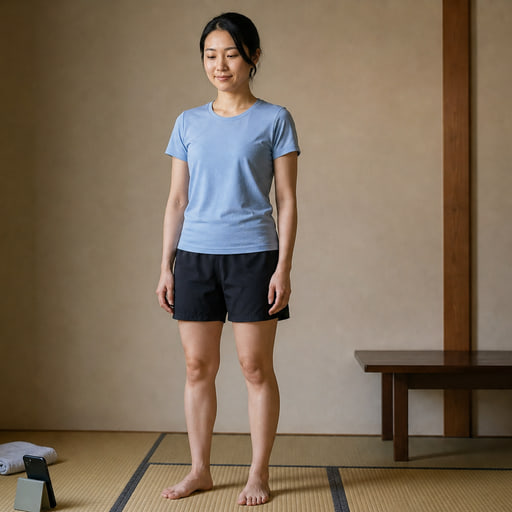
Intervals
-
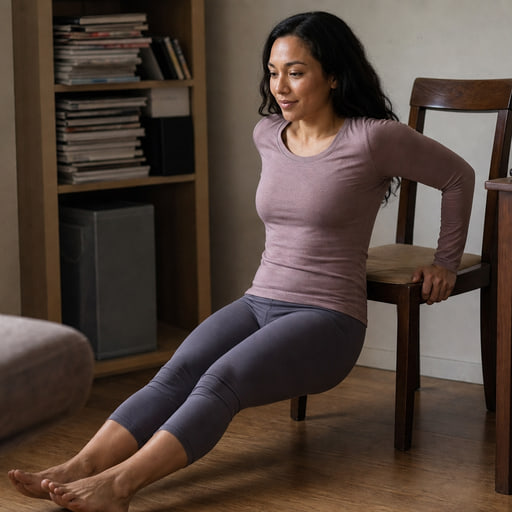
Intervals
-

Intervals
-
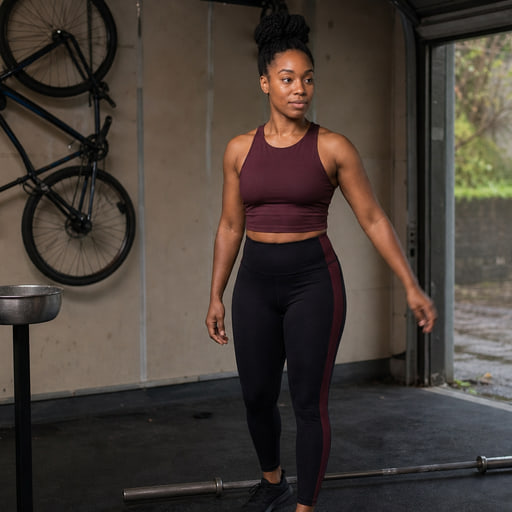
Death by Thrusters
EMOM


Endurance 4
-
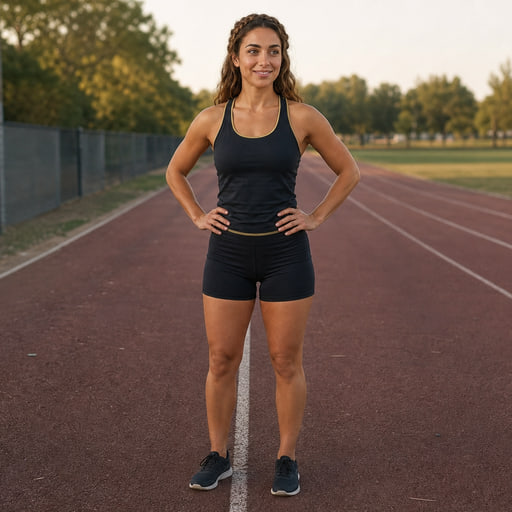
For time
-
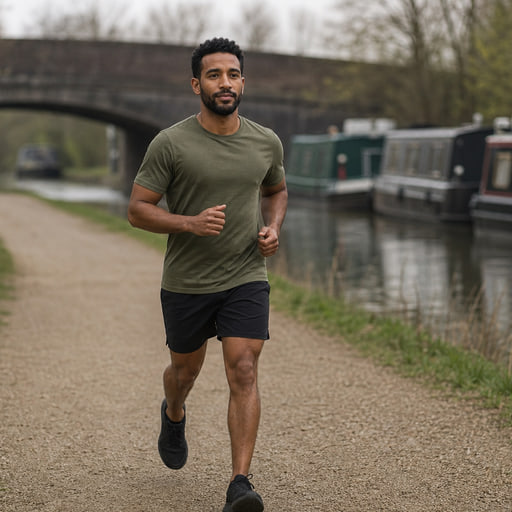
5K Run
For time
-
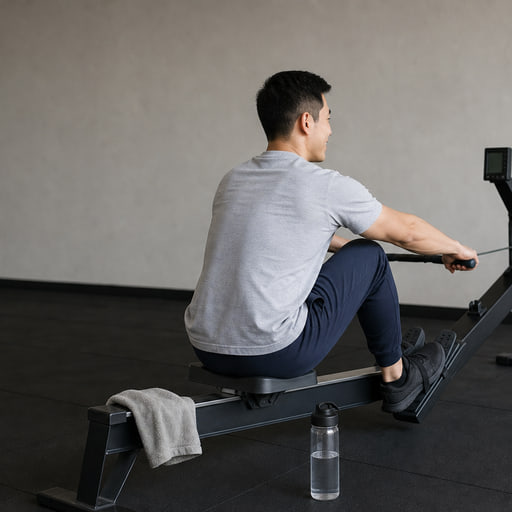
2K Row
For time
-
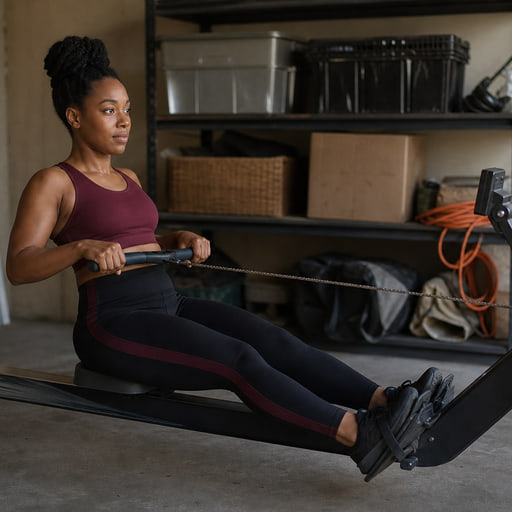
500m Row
For time


Celebrity & viral 4
-
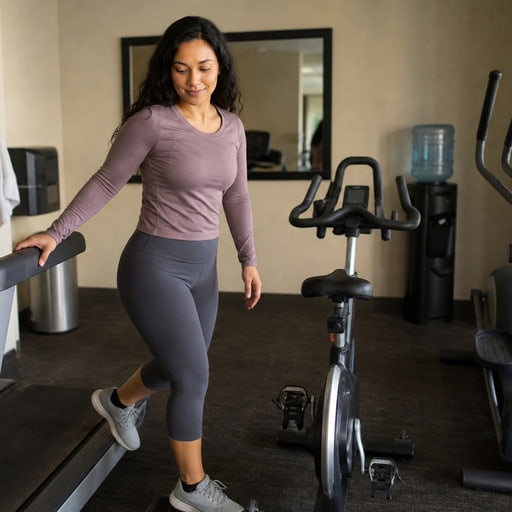
15-15-15
Intervals
-
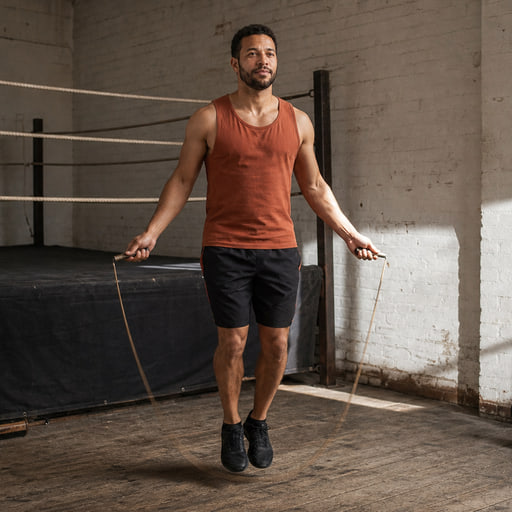
The Contender
Rounds
-
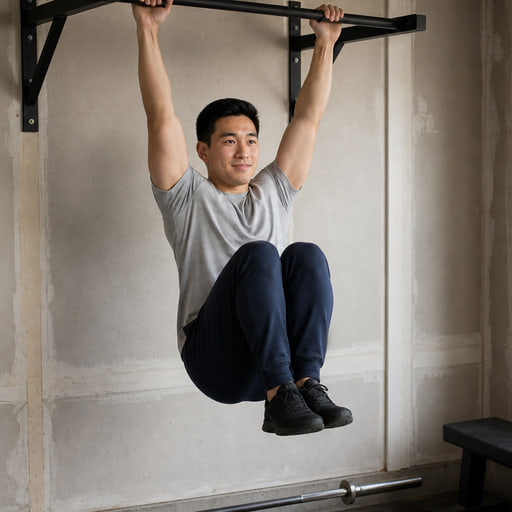
Big Five 55
For time
-
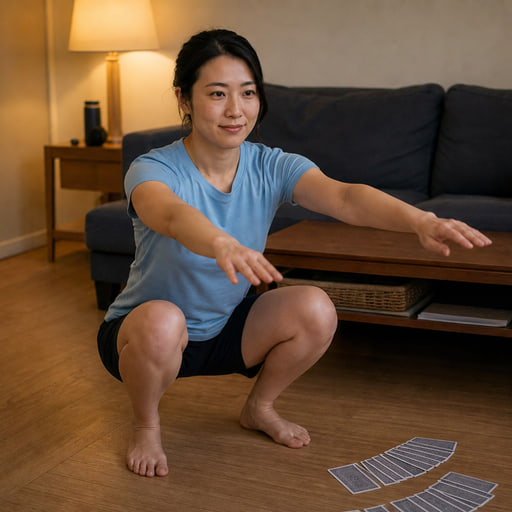
Card Squats
For time


Track
Logging for people who hate logging
Optional, pre-filled, and easy to switch off entirely. If you want to live in a spreadsheet of every set you have ever done, Strong and Hevy do that better, and we’d rather just say so.
- It knows what it’s measuring
- Reps and load in kg or lb, per-hand for dumbbells and kettlebells, bodyweight plus added load, and time instead of reps for holds and carries.
- Logged without breaking rhythm
- A confirm card appears during rest while the clock keeps running, pre-filled from last time, and if the rest runs out unlogged the timer pauses rather than losing the set.
- Three kinds of best
- Lift records from the sets you log, your best score on each benchmark workout, and your best on any timer you run again. A new best is called out on the recap.
- A log with chapters
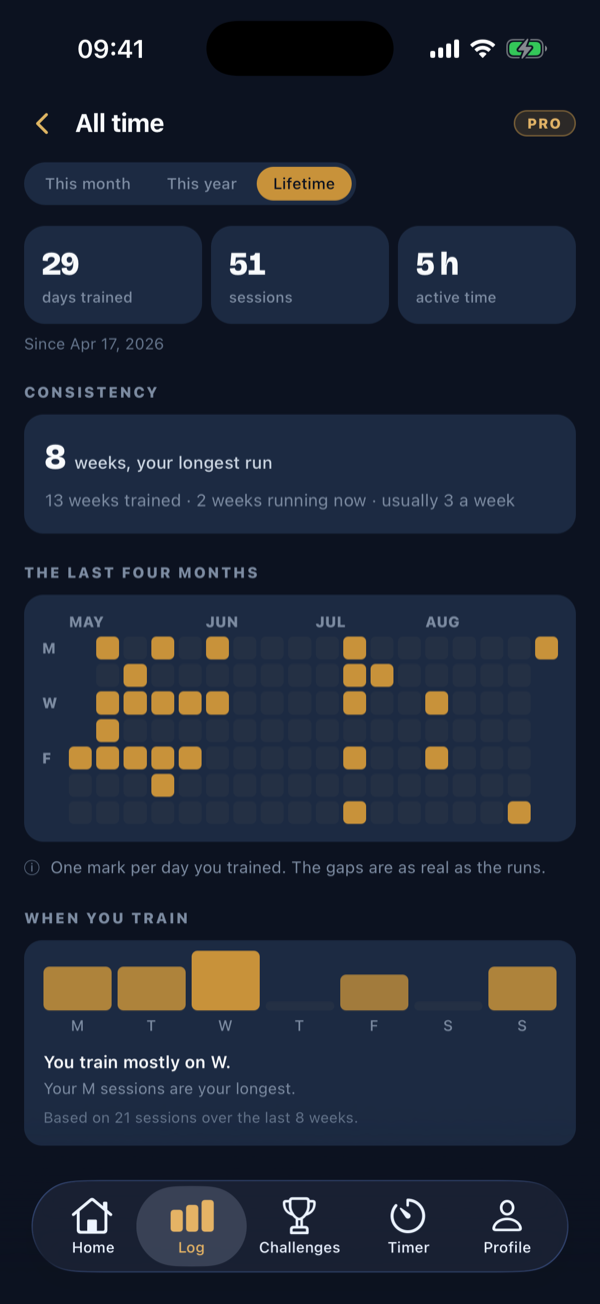
- Your week, your records, your strength trend with an estimated 1RM per lift, your body weight, and an all-time view: days trained, your longest run of weeks, and the weekdays you actually show up on.
- For the strength nerds
- An optional reps-in-reserve chip when you log, and a CSV export of everything, free.

Together
The group chat finally gets a scoreboard
A challenge is a shared workout on the days you pick, a daily number to chase, or one exact workout with a wall. One code joins everyone and the scoring is automatic, so nobody has to be the spreadsheet person.
- Workout challenges
- Kronos builds one fresh workout for the whole crew on the scheduled days. Seven presets, or set the focus, minimum length and days yourself.
- Goal challenges and one-workout challenges
- One to five movements, flat or climbing each week, with an optional max-effort day. Or one exact workout, one window, one wall: the only kind that ranks you.
- Plans, shared
- Share your plan to train the same week with friends, or send a copy that’s theirs to change. Everyone who runs the sessions needs Kronos Pro.
- Built for real calendars
- Daily, weekdays, or 2 to 6 days a week. Grace days, a catch-up week, up to 8 weeks long, crews up to 500, and your own reminder time. Cheers unlimited, pokes capped at two a day.
Health
It counts in Apple Health. And it runs on your wrist.
Finished workouts land in Apple Health on iPhone and Health Connect on Android, with the duration and an estimated energy burn that counts toward your rings. Body weight comes back the other way, so a smart-scale weigh-in sharpens your loads without typing.
- Apple Health and Health Connect
- Three switches: add workouts automatically, include the energy estimate, import body weight. Energy is an estimate and says so. Free on both plans.
- Apple Watch companion
- The clock and the next movement on your wrist, haptics at three-two-one, go, rest and finish, one-tap set logging during the rest, and heart rate with ring credit through a real workout session. It ships inside the iPhone app, on both plans.
- A heart-rate strap works too
- Pair a Bluetooth heart-rate strap, or a watch that broadcasts heart rate, and your heart rate shows during the run and on the recap.
Offline
Airplane mode is not a rest day
The whole session runs with zero connection: start it, log every set, finish it. It all syncs when you resurface and lands on the day you actually trained, so streaks and challenges stay honest and nothing gets counted twice.
- Saved workouts, the Library and challenge days
- All run offline, including the equipment substitutions, which are worked out on your phone rather than on a server. The Library’s photography ships inside the app for the same reason.
- An outbox that waits
- Everything you did waits safely on your phone until you’re back, then lands under the date it actually happened.
- Share cards still render
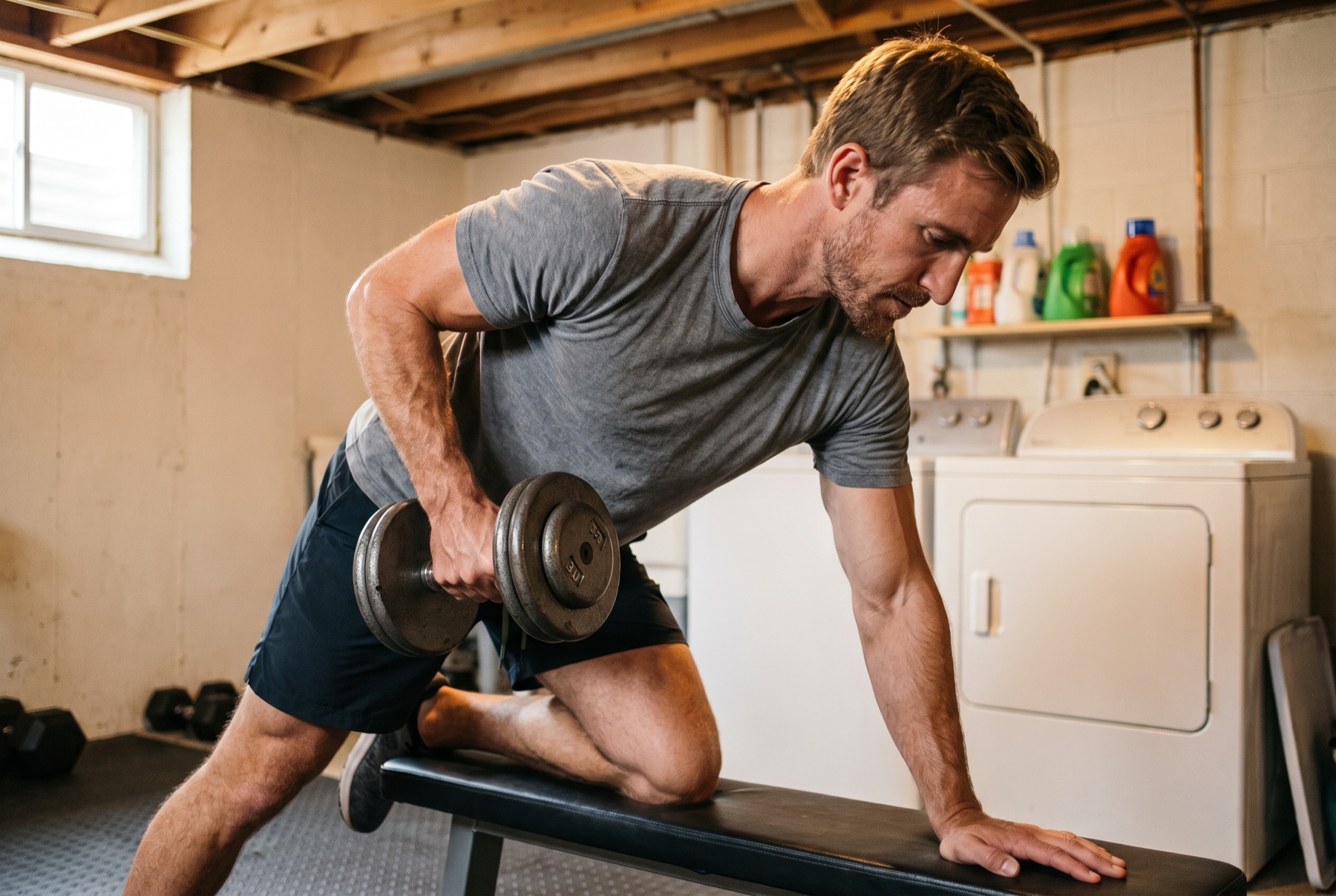
- Invite and result cards are drawn on the device, so you can send them from the basement gym too.
- The one exception
- Building or importing something new needs a connection. Everything already on your phone does not.
Languages
Nine languages, all the way down
The whole app ships in nine languages: every screen and every exercise name, not just the menus. English, Spanish, French, German, Italian, Portuguese, Polish, Japanese and Korean.
iOS & Android
Sounds like a lot. It’s one week.
Open Plan and the next session is already there.
Free to start. Your first workout is free. No card.
